Glance
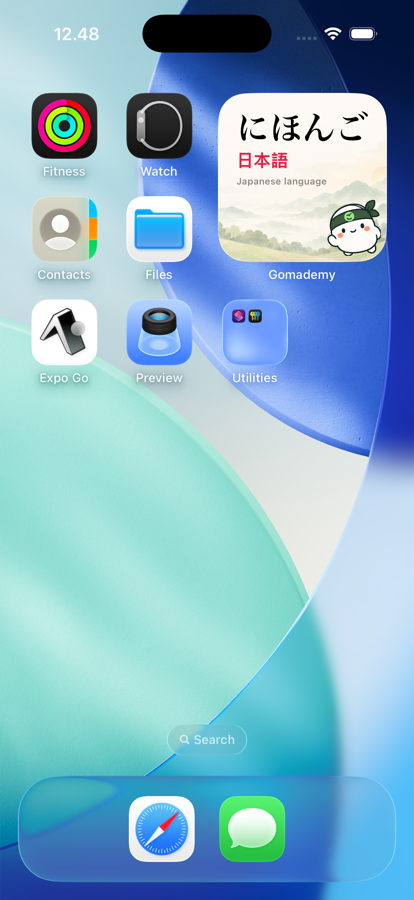
See a useful word on your Home Screen.
 にほんご日本語Japanese language
 Download
Japanese that finds you
Build a Japanese learning habit,
right from your Home Screen.
A brighter
day, one
word at a time.
Built for complete beginners
Short guided lessonsShort daily lessons
Practice that remembers

Simple steps. Real progress. Japanese that sticks.
See a useful word on your Home Screen.
にほんご日本語Japanese languageHear it and see it in a real sentence.
Smart review brings it back at the right time.
 GomademynowにほんごJapanese language
A new word for you today ✨

Learn hiragana and katakana in a clear, friendly structure with bite-sized lessons. Track your progress as you go — from your first あ to a solid foundation.
Start with hiragana and katakana, learn at your own pace, and build a solid foundation of real Japanese.

Little
steps.
A bigger
you.Small lessons.
Real progress.
GoMademy for iPhone
The App Store link will be available here at launch.